 Your purchases.
Your warranties.
Warrantly reads your email, finds what you buy and alerts you before a warranty or return window runs out. No accounts, no servers of ours, on your iPhone and iPad.
Connect
Your email, read-only
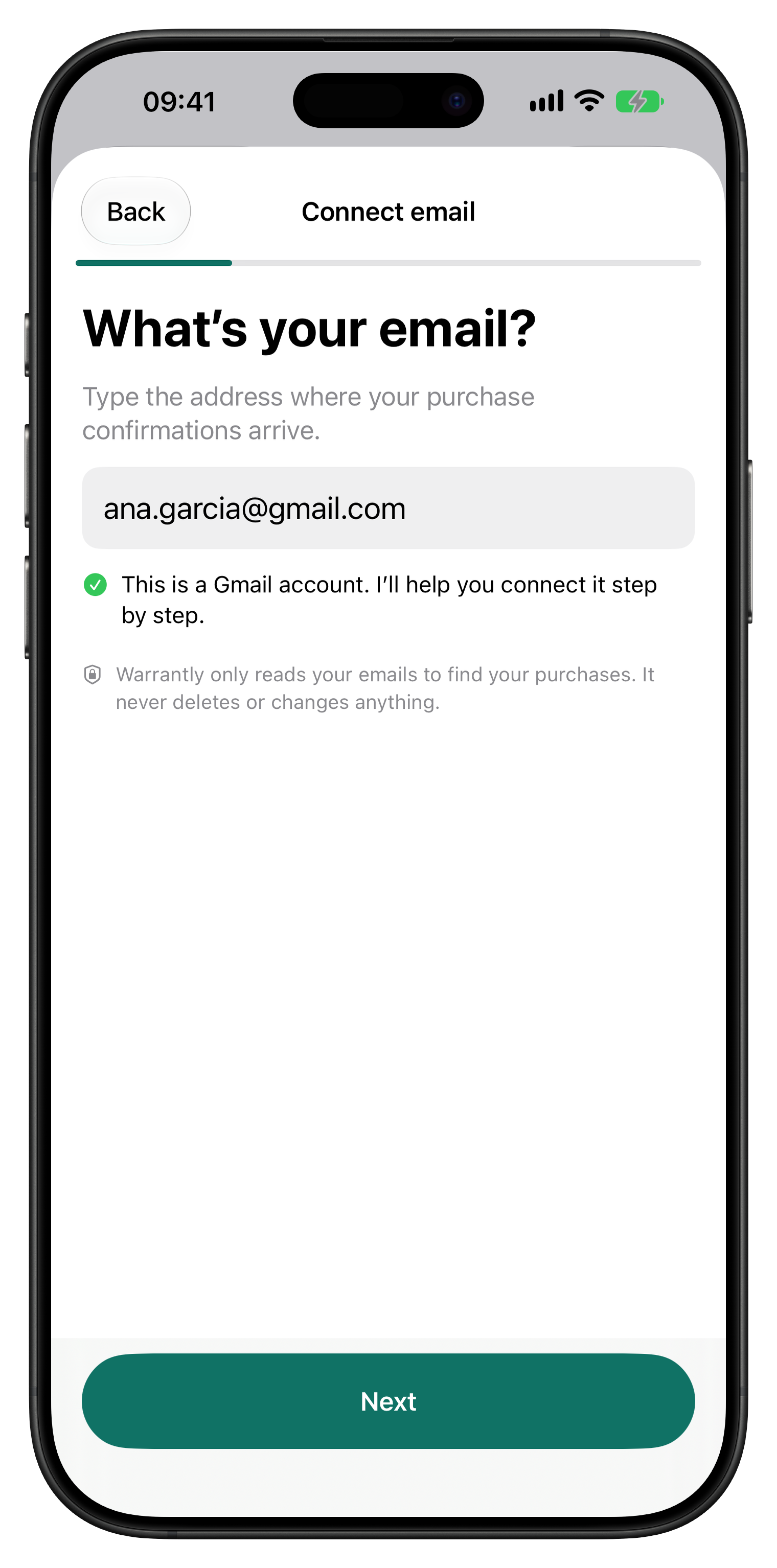
Add iCloud, Gmail or another account with an app password. Warrantly never deletes or changes a single message.
Track
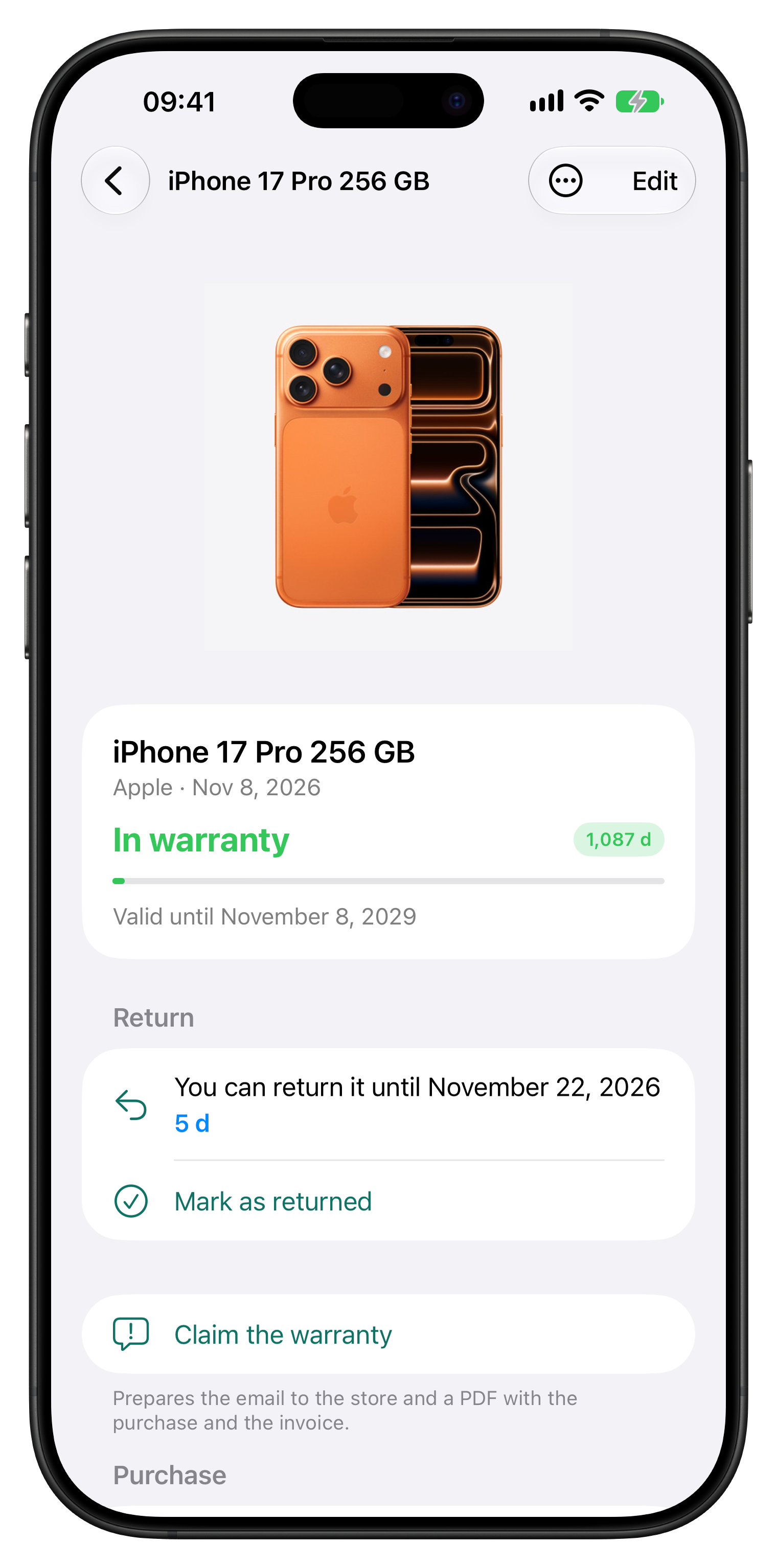
Every warranty with its countdown
Purchase date, store, order and days left. What expires soon sits on top.
Stay ahead
Alerts before it's too late
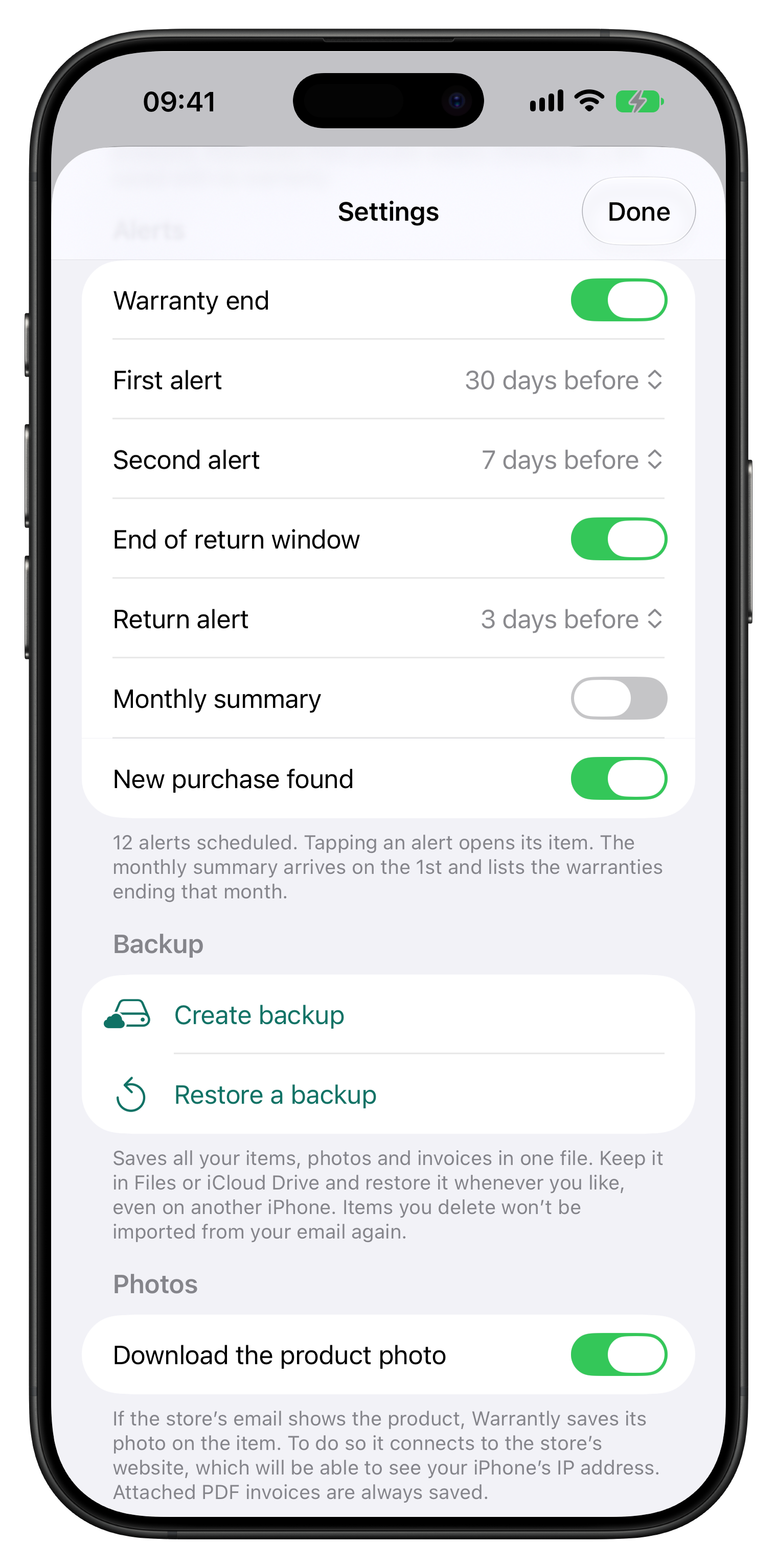
We alert you 30 and 7 days before a warranty ends and 3 days before the return window closes.
No server
No servers of ours
The app reads messages straight from your phone, recognises purchases with Apple Intelligence and stores the result in your private iCloud. We receive and see nothing.
How it works
Find, calculate, remember
Everything you need so you never lose a warranty because you can't find the receipt.
Frequently asked questions
Does Warrantly modify or delete my email?
No. It only reads: it downloads messages in read-only mode without flagging or moving them.
How do I connect Gmail?
Turn on 2-step verification in your Google account, create an app password and use it in Warrantly with your address. We don't use Google sign-in.
Are my emails sent to any server?
Not to any server of ours: Warrantly has none. The app talks directly to your email provider and Apple's AI analyses the messages on your device or in Apple's private cloud.
Do I need Apple Intelligence?
No. With Apple Intelligence recognition is more accurate; without it the app uses its own rules and asks you to review anything doubtful.
How much does it cost?
30 days free with everything included. After that, a single 0.99 € payment. If you don't pay you can still view, edit and export your data; only scanning and new entries are paused.
How does it work out the value of my purchases?
It adds up the price of every item still under warranty, per currency, with no conversion. If an order has several items, each one gets its own price; any the email doesn't itemise are flagged as “no price” so you can enter them by hand.
Does it work on iPad or Android?
It works on iPhone and iPad with iOS 26 or later. Not on Android.
Does it sync between my devices?
Yes. Your items, settings and mailbox passwords sync through your private iCloud between your iPhone and iPad on the same account, with nothing to do.
Can I report a bug or request an improvement?
Yes, on the Bugs & suggestions page you can see what's already reported, vote on it or send a new one.

